

Cash comes in.
Clarity follows.
Bank Wizard brings customer cash receipts and bank reconciliation together in Vista, helping your team reduce manual work and focus on exceptions.
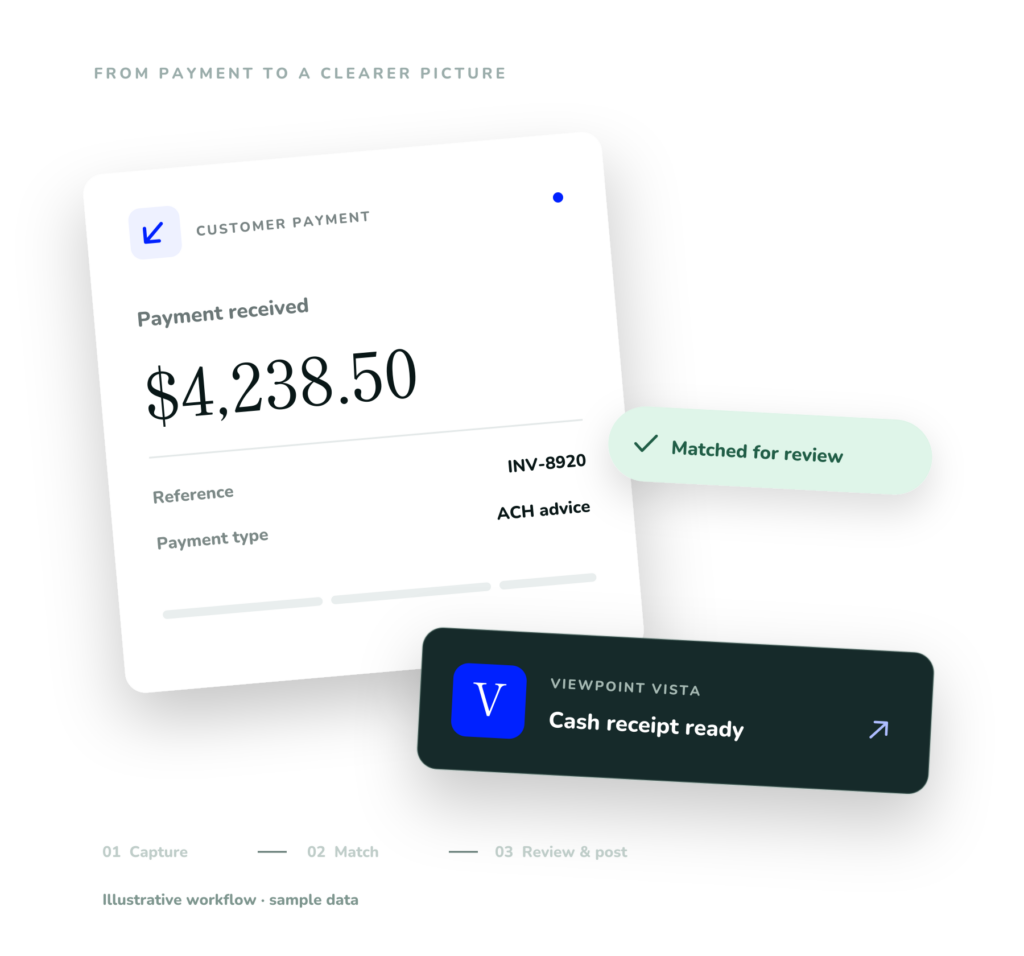
The Payment arrived.
Let Bank Wizard take it from here.
Bank Wizard handles the routine work of identifying customers and matching payments to invoices, so your team can focus on reviewing exceptions.

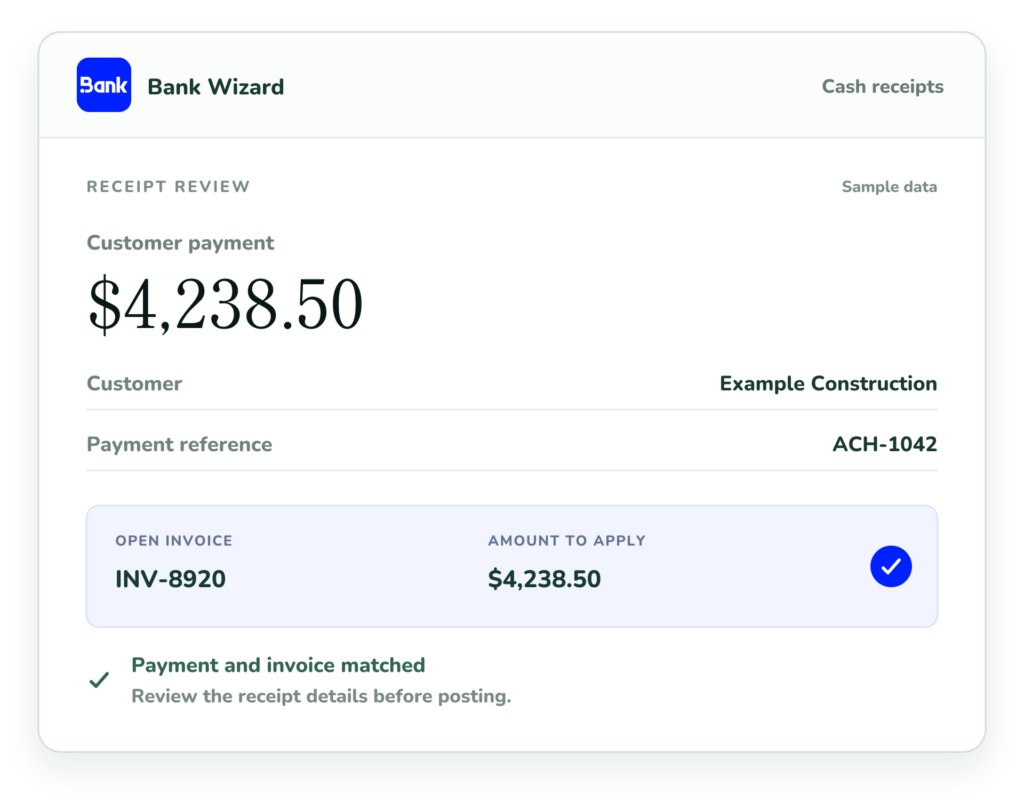
Customer Cash Receipts
Turn emailed remittances and scanned checks into customer cash receipts in Vista, with suggested matches ready for your team to review.
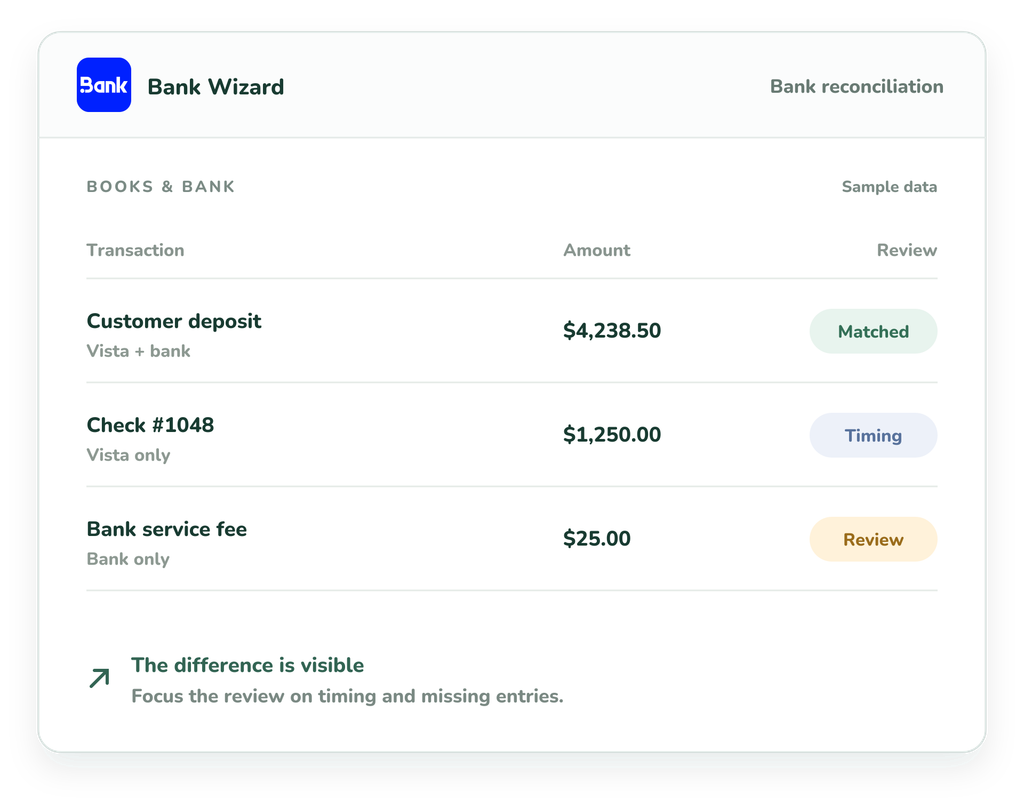
Bank Reconciliation
Bring bank statement activity alongside Vista’s Cash Management records to see what matches and investigate what needs attention.
From payment details to a posted receipt.
01
Capture payment details
Bank Wizard extracts receipt information from emailed remittances and scanned checks.
02
Match customers & invoices
Suggested matches connect payments with customers and open invoices in Vista.
03
Review exceptions
Your team checks suggested matches and resolves items that need attention.
04
Post receipts to Vista
Post reviewed cash receipts to Vista, keeping your accounting records in your existing system.
Vista remains your accounting system of record. Bank Wizard supports your existing Accounts Receivable and Cash Management workflows.

Bank Wizard
See Bank Wizard in action
See how Bank Wizard supports customer cash receipts and bank reconciliation in Vista, from suggested matches to the exceptions that need your team’s attention.


Explore more ways to automate with Olsen
Discover our other automation tools for Vista, or connect with a consultant to discuss your team’s workflows

Simplify AP invoice processing, from invoice capture to posting in Vista’s AP Unapproved.

Connect your e-signature tool with Vista to simplify creating and sending documents for signature.
Consulting
Work with our consultants to improve your Vista workflows, reporting, integrations, and processes.